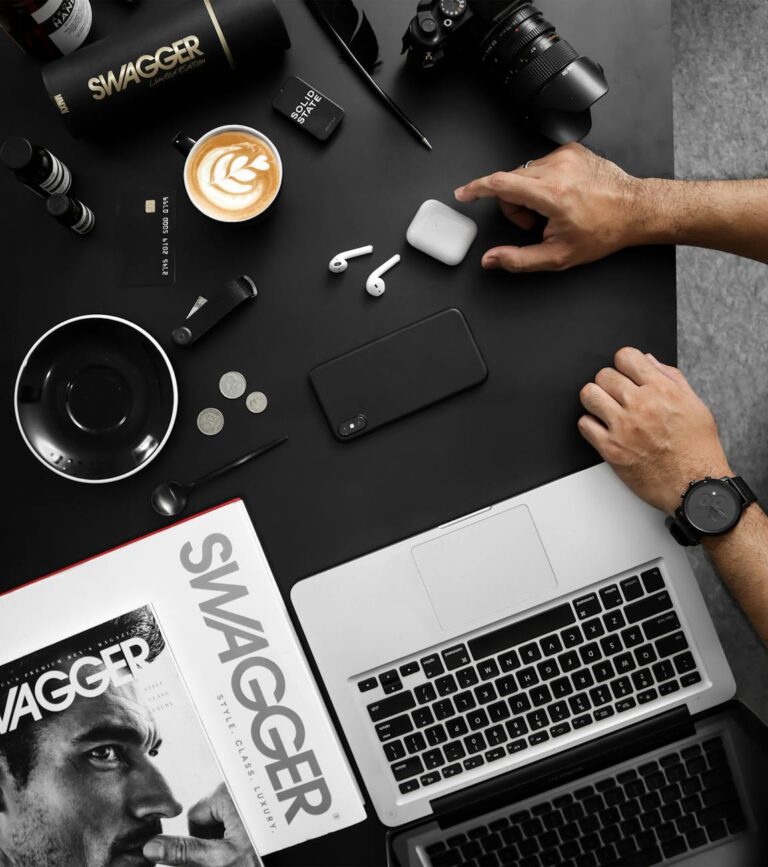
The Complete Guide to Mockups: How Designers Bring Ideas to Life

In today’s fast-paced creative world, mockups have become an essential tool for designers, marketers, and business owners. They help bridge the gap between concept and reality, allowing ideas to be presented in a visually appealing and professional way — before any final production begins.
Whether you’re a graphic designer showcasing your latest branding project, a small business owner launching a new product, or a creative entrepreneur selling templates online, understanding how mockups work (and how to use them effectively) can dramatically improve the way you present your work.
What is a Mockup?
A mockup is a realistic, high-quality representation of a design or product. Think of it as a visual prototype — a way to display your idea in context, so clients, customers, or your audience can imagine how it will look in the real world.
For example:
- A logo mockup can show your design printed on a business card, embossed on leather, or painted on a storefront sign.
- A t-shirt mockup can show your apparel design worn by a model in natural lighting.
- A packaging mockup can display your branding on a coffee cup, product box, or food container.
By using a mockup, you can transform a flat, digital design into something that looks tangible and real.
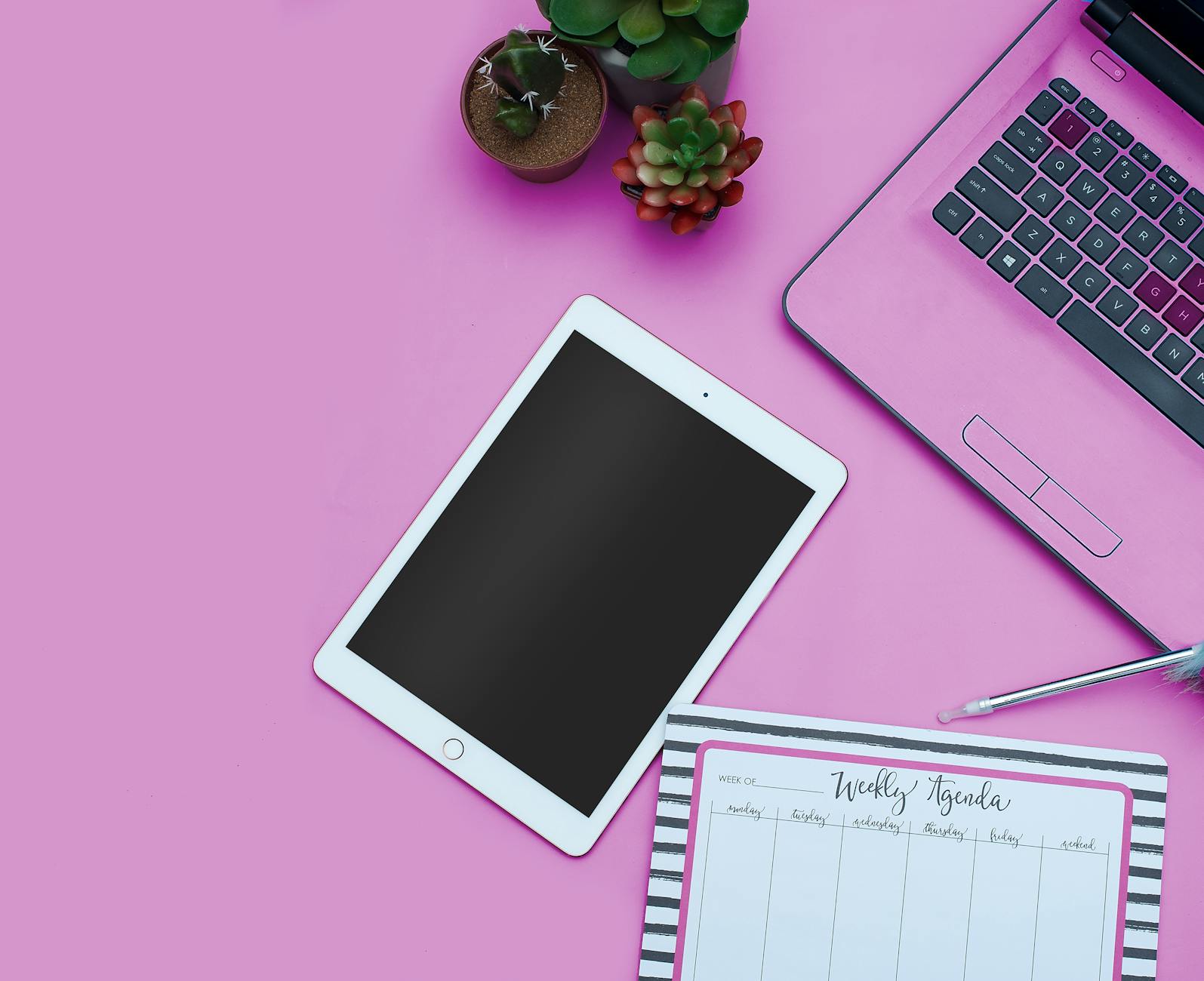
Why Mockups Are Essential
- They Make Your Designs Stand Out
A simple JPEG of your design is fine — but when you place it on a realistic mockup, it instantly becomes more professional and appealing. - They Save Time and Money
Instead of physically producing every variation of your product, mockups allow you to test and present ideas without expensive prototypes. - They Help Clients Visualize the End Product
Clients often struggle to imagine how a design will look in real life. Mockups remove that guesswork and make approvals faster. - They Boost Sales in Online Shops
If you sell designs, templates, or digital products, a beautiful mockup can make your product listing far more attractive and increase conversion rates.
Types of Mockups
There are many mockup categories, but here are the most popular ones among designers and entrepreneurs:
- Branding Mockups: Business cards, stationery, signage, and letterheads.
- Product Packaging Mockups: Boxes, bags, pouches, bottles, and jars.
- Apparel Mockups: T-shirts, hoodies, hats, and tote bags.
- Digital Device Mockups: Smartphones, tablets, laptops, and monitors.
- Print Mockups: Magazines, posters, books, and brochures.
Where to Get High-Quality Mockups
While free mockups exist, premium mockups often provide higher resolution, better realism, and more customization options. They’re especially valuable for designers who want to maintain a high professional standard.
If you’re looking for professional and easy-to-use mockup templates, check out my exclusive collection at:
👉 Dendysign Studio – Mockup Templates
I offer a variety of Photoshop PSD mockups that are:
- High resolution
- Fully editable with smart objects
- Designed for both beginners and professionals
How to Use a PSD Mockup
- Open the PSD file in Adobe Photoshop.
- Double-click the smart object layer.
- Insert your design.
- Save and watch your design appear in the mockup instantly.
It’s that easy — no complicated adjustments, no need for special effects. Just drag, drop, and showcase.
Final Thoughts
Mockups are more than just pretty pictures — they’re a powerful communication tool that can help you present your work in the best light possible. Whether you’re pitching to a client, launching a new product, or building your online store, investing in high-quality mockups will always pay off.